61
day streak
A streak that means something
No rest days and no freezes. Miss your photo and the streak resets, so 61 days really is 61 days.
iPhoneA daily progress photo, with a streak
Stand in the outline, take one photo, keep the streak. FrameTrack lines up every day with the last, so a month from now you can see what the mirror never showed you.
How it works
The same spot, the same pose, every day. Small changes are invisible day to day and obvious a month apart, so FrameTrack makes the month easy to see.
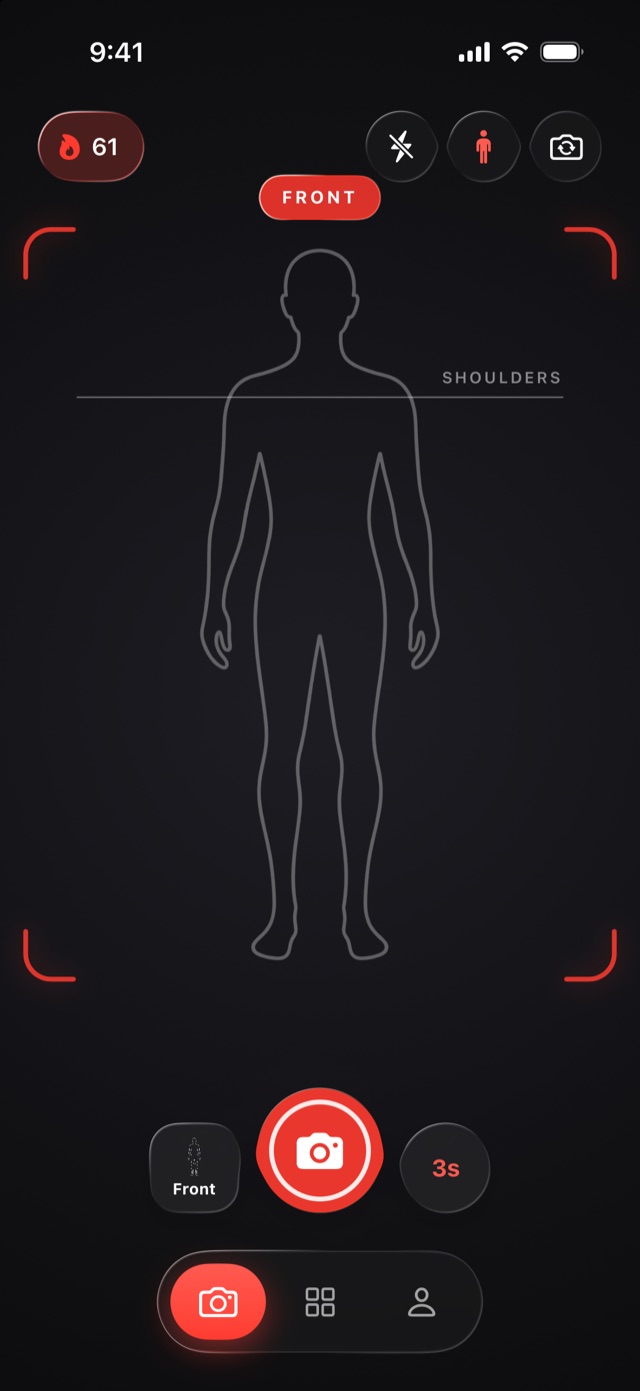
Stand inside the outline with your shoulders on the line. Every photo starts from the same place, so every photo can be compared.
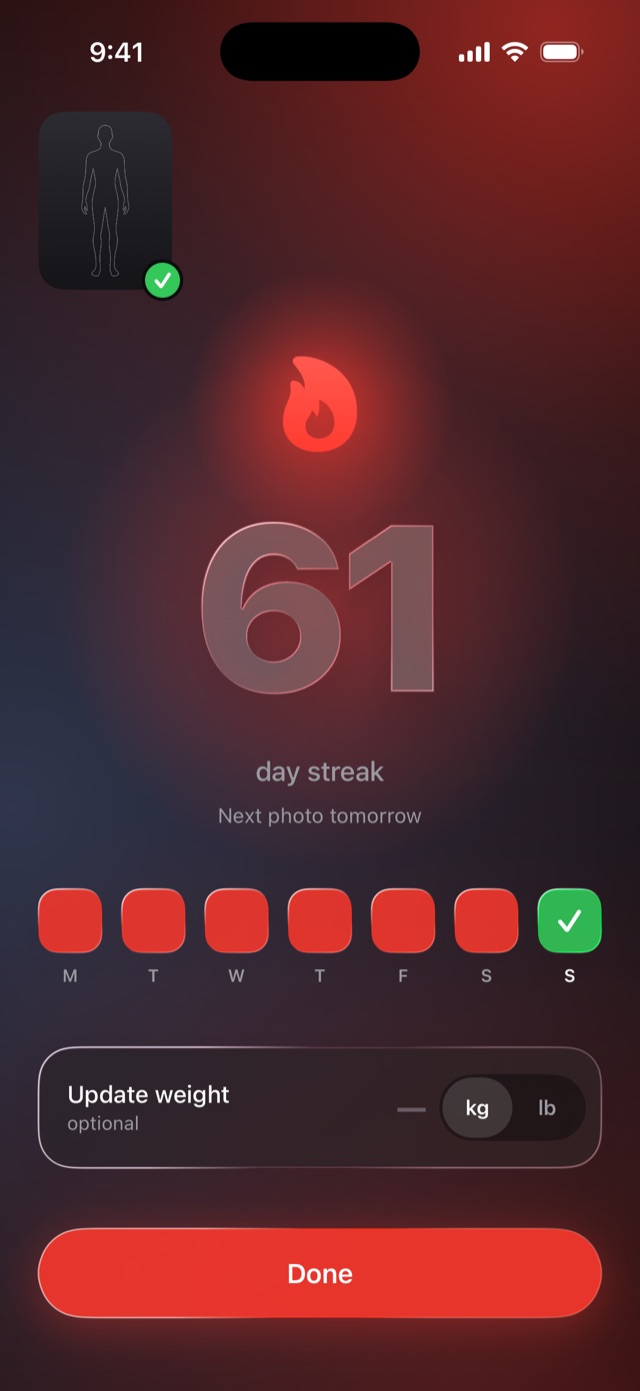
Tap the shutter, or set the timer and step back. Shoot each view you track, then add today's weight if you want to.
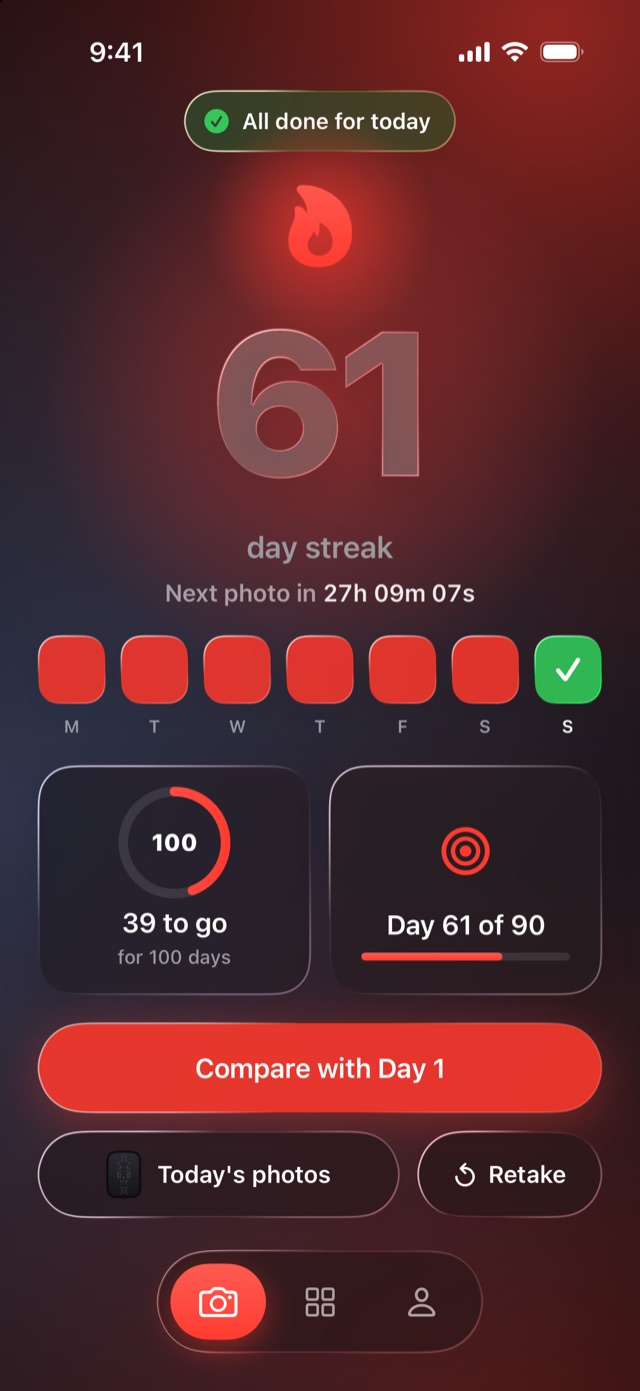
All done for today. Your streak goes up by one, the next milestone gets closer, and a countdown shows when the next photo is due.
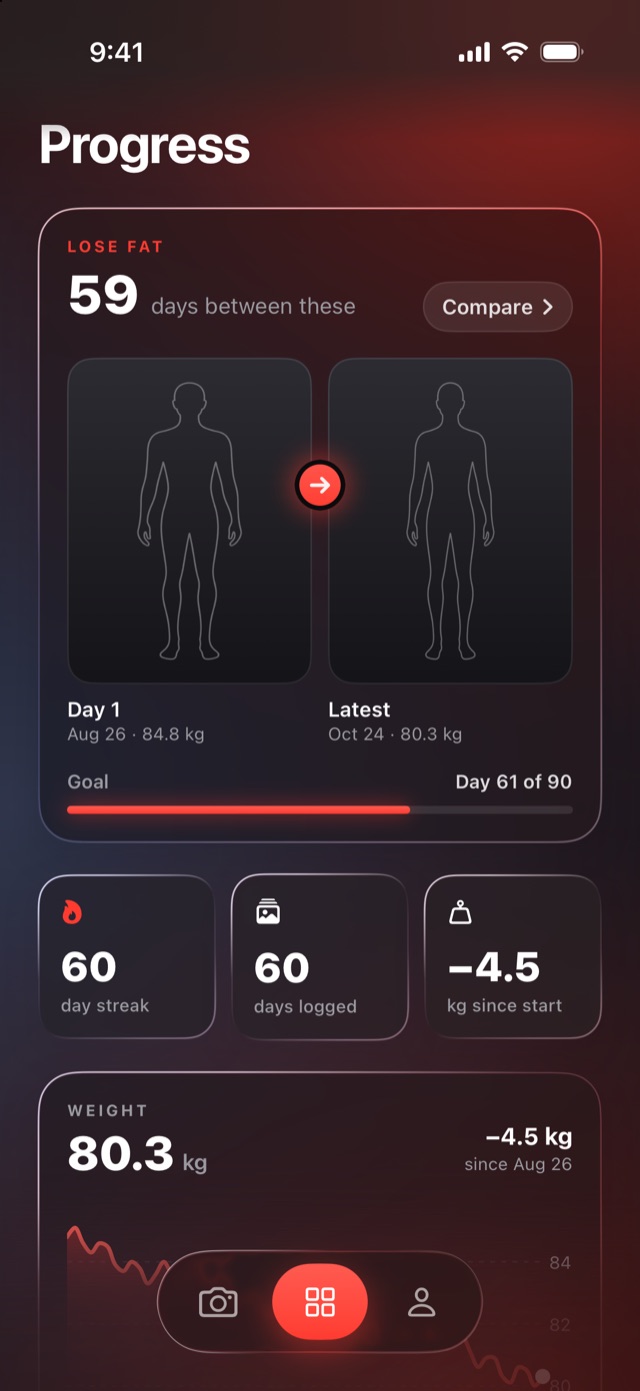
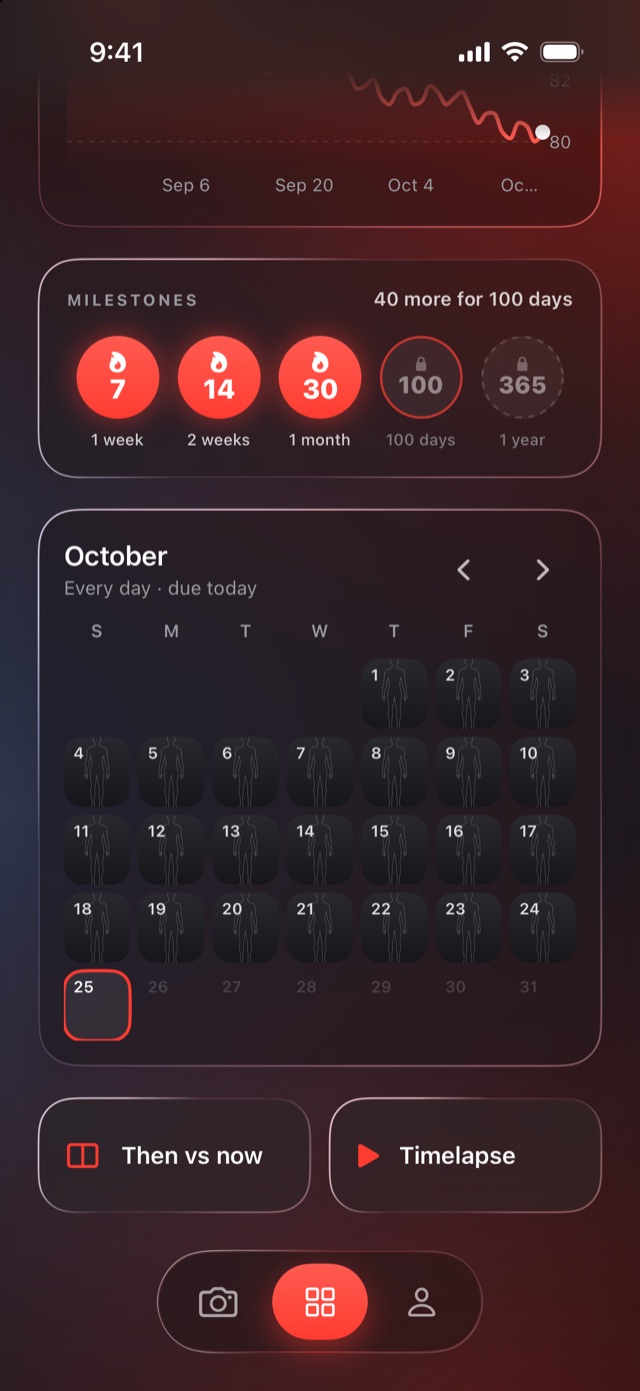
After five days of photos, Progress opens: Day 1 beside today, your weight trend, your milestones, and every photo on a calendar.
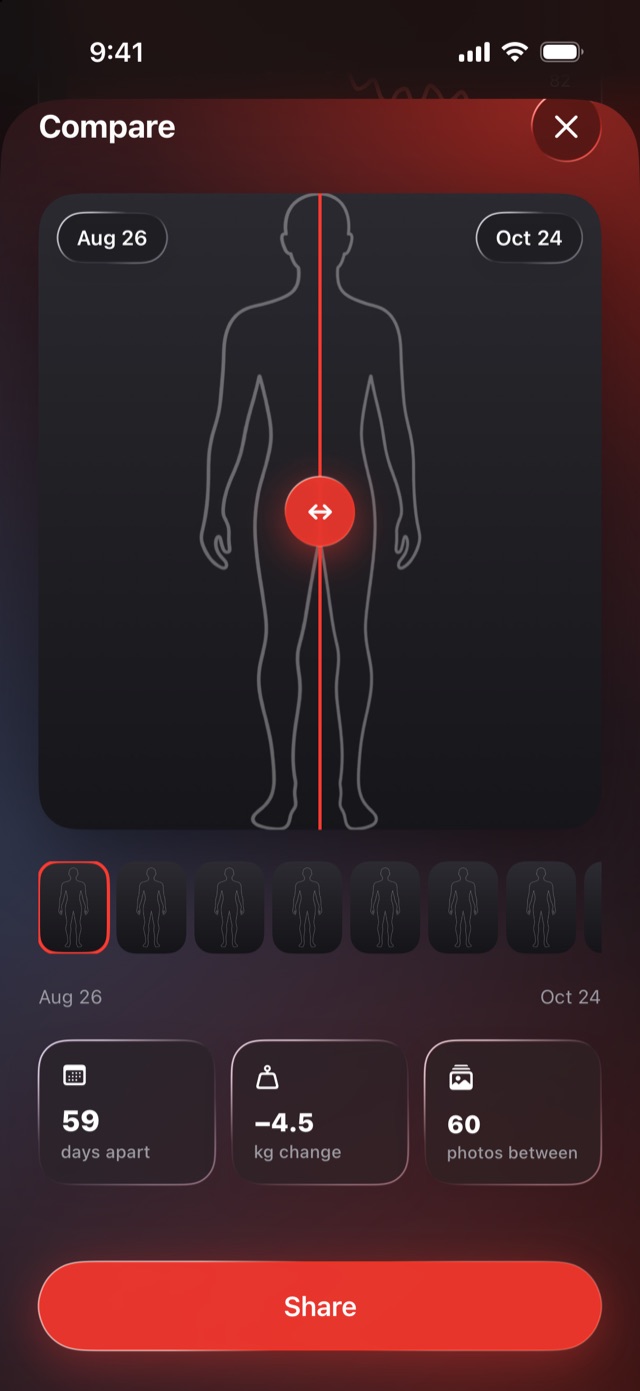
Drag the slider across any two days, play every photo as a timelapse, or share a then-and-now image when you're proud of it.
Set up in a minute
Answer a few questions and FrameTrack builds your plan. No account needed: signing in is optional, and your photos stay on your phone either way.
What you're working toward, and a date to aim for if you have one.
Each view has its own outline to stand in.
Every day, or as far apart as every two weeks, with a reminder at your time. Miss one and the streak resets.
Everything in one place
No rest days and no freezes. Miss your photo and the streak resets, so 61 days really is 61 days.
A week, two weeks, a month, 100 days and a year. The next one is always on screen.
Slide across any two days, or play them all as a timelapse.
Optional, in kg or lb, charted beside your photos.
Ask for Face ID every time FrameTrack opens. The app switcher always shows a cover, never your last photo.
Widgets show your streak and whether today is done. Never a photo.
Export every photo as a zip whenever you like. Reminders arrive at your time, and never on a day you've already done.
Private by design
Progress photos are personal. FrameTrack has no server for them, no cloud and no analytics. They stay on your iPhone, where only you can see them.
The best time to take your first photo was a month ago. The second best is tonight.